
Short answer: define the goal and the audience, gather and organise the product data, design a clear navigation structure, choose the format and platform, test on mobile, publish with measurement and plan who keeps it up to date.
1. Define the goal and the audience
A catalogue for distributors is not the same as one for consumers. Write in one sentence what it should achieve: more orders, more quote requests, fewer repeat enquiries to the sales team.
2. Organise the product information
- A single master list: reference, name, description, dimensions, materials, price and availability.
- Images with consistent size and background, and alternative text.
- Texts written to be understood without the rest of the page.
This phase saves the most time later: if the data is clean, the catalogue is generated and updated almost by itself.
3. Design the structure
- Group by customer need, not by the company’s internal organisation.
- Limit navigation levels and offer search and filters.
- Prepare the cover, index, category pages and product sheets.
- Include clear calls to action: contact, request a quote, buy.
4. Choose format and platform
| Option | Advantage | Limitation |
|---|---|---|
| Page-turning book (flipbook) | Familiar, keeps the editorial look. | Less flexible on mobile unless responsive. |
| Navigable web catalogue | Search, filters and good search ranking. | Needs a more carefully structured dataset. |
| Hybrid | An editorial version and a navigable version. | More maintenance work. |
5. Design mobile-first
A large share of traffic arrives from phones. Check text sizes, tappable buttons, image weight and loading speed.
6. Accessibility and performance
- Sufficient contrast and alternative texts.
- Full keyboard navigation.
- Images in modern formats (WebP or AVIF) and lazy loading.
- Content in HTML, not only in images.
7. Publish and measure
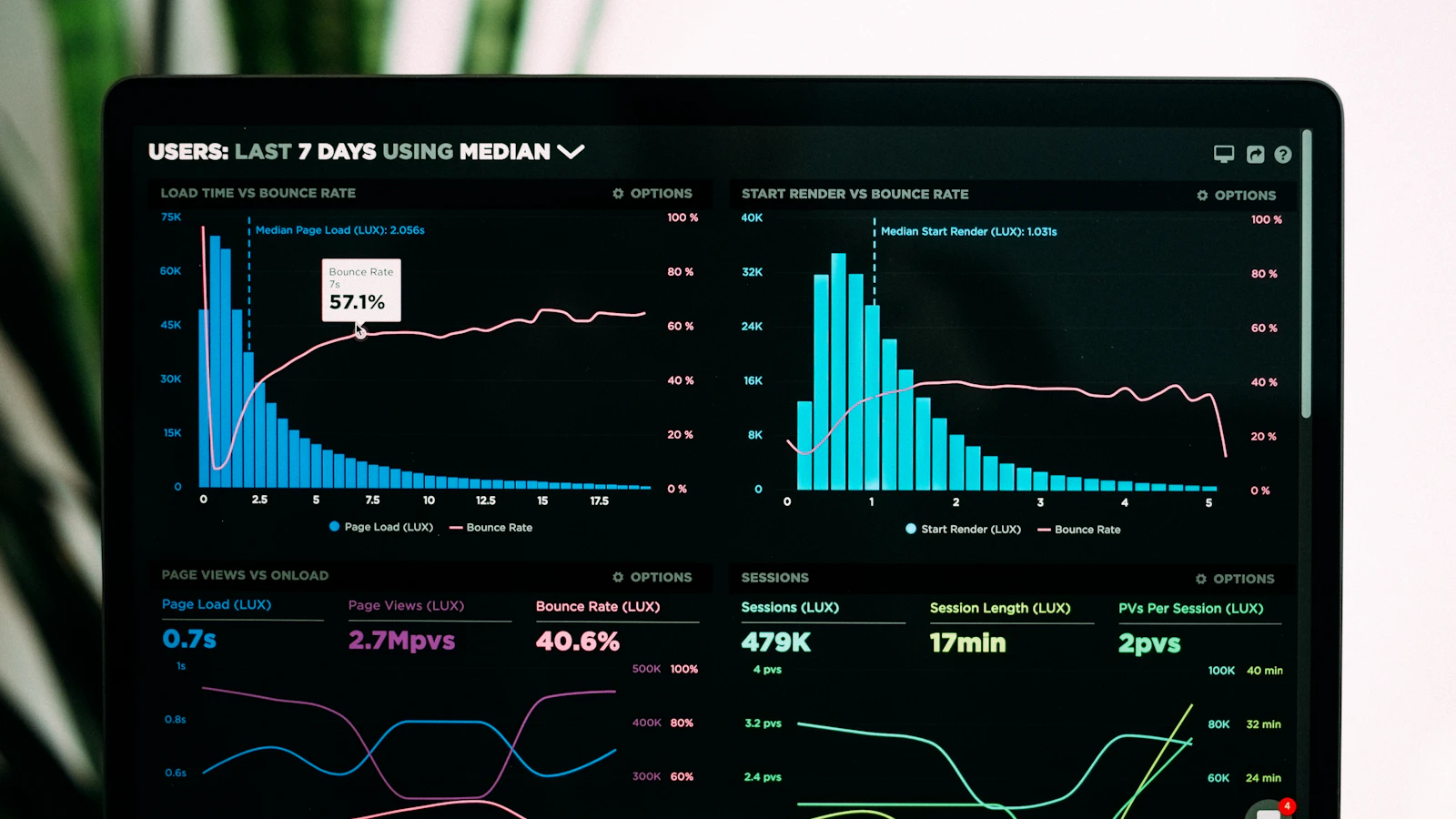
Define what you will measure before publishing: page views, most-viewed products, clicks on contact, downloads and the source of visits. Comply with cookie and privacy rules.
8. Maintenance
Decide who updates prices and new items, how often and with what review process. An out-of-date catalogue loses credibility faster than one with no interactivity.
Frequently asked questions
Can I reuse my current PDF catalogue?
Yes as a starting point, although it is best to work from the source data. Converting pages into images limits search and ranking.
How much does it cost?
It depends on size, design, integrations and maintenance. It is quoted after reviewing your material.
Can it be translated into several languages?
Yes. It is best to plan it from the start so that the structure and references are shared.
See IGLOBALIA’s Digital catalogues and magazines service or request a proposal.